Data Check monitors
Watch what an API says, not just whether it answers. A Data Check tells you when the JSON an upAPI operation returns changes.
A Data Check monitors what an API returns instead of whether it is up. On a schedule it calls one upAPI operation and compares the JSON it answers with to the previous run. When the answer changes, Uptimely posts a notification. It does not declare an incident.
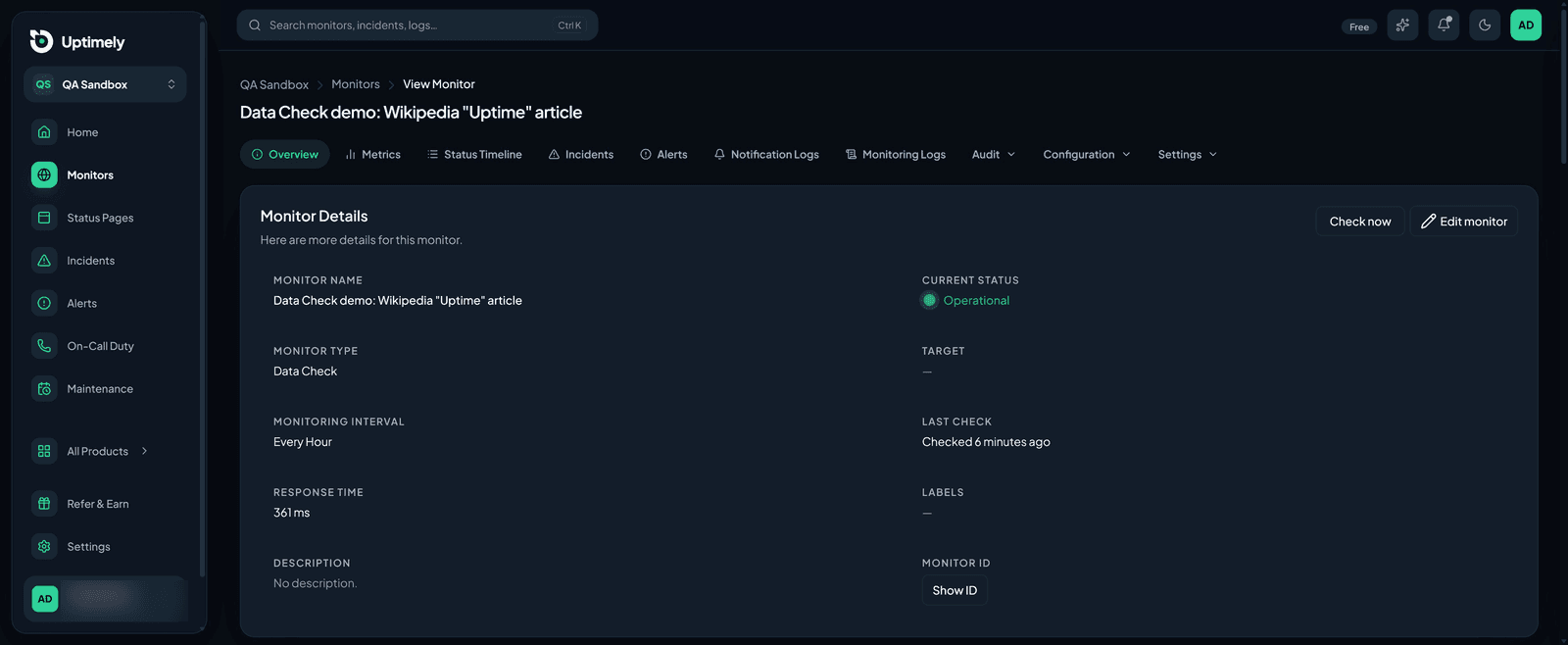
Create a Data Check
Choose Data Check in the monitor create wizard and fill in the step:
- Operation slug — the upAPI operation to call, from the upAPI catalog,
such as
google-maps-search. Uptimely callsPOST https://api.upapi.io/{slug}. - upAPI API key — each check is one billed call on this key's quota.
- Request body (optional) — the operation's input as a JSON object.
- Watch only these paths and Ignore these paths (optional) — see below.
- What counts as a change — see Change modes.
The default schedule is hourly rather than every minute, because every check spends upAPI quota. You can create a Data Check from the REST API as well; the API key is write-only there too.
Select and ignore paths
By default the whole answer is compared. Two path lists narrow that down:
- Watch only these paths keeps just those parts of the answer.
- Ignore these paths removes parts that change on every call, such as a review count, so they never count as a change.
One path per line. Dots step into objects and * matches every key of an
object or every item of an array, as in results.*.name. Paths are not full
JSONPath: there are no filters, slices or recursive descent. Watch paths are
applied first and ignore paths second, so you can select a subtree and then
drop one volatile field inside it.
Change modes
- Any change — an added, removed or edited value counts.
- Only items added or removed from a list — a value that merely moved, such as a price or a rank, does not count. Lists are compared as sets of items, so reordering is not a change, and an edited item reads as one removal plus one addition. A change that adds or removes no item, such as a total moving, is recorded but not announced.
What a change does
A change is a notification, not an incident. The monitor stays Operational, no incident or alert is declared, and nobody is paged. A change is posted to your connected Slack and Discord workspaces. If neither is connected, there is no notification, but the change is still recorded and shown on the monitor page.
A check that fails is different. A server error, a timeout, a revoked key or an exhausted upAPI quota is an ordinary failed check, and it goes through the same failure threshold, mute and dependency rules as any other monitor. A short-lived upAPI rate limit is the exception: the check never reached the data, so it is discarded rather than counted.
What is stored
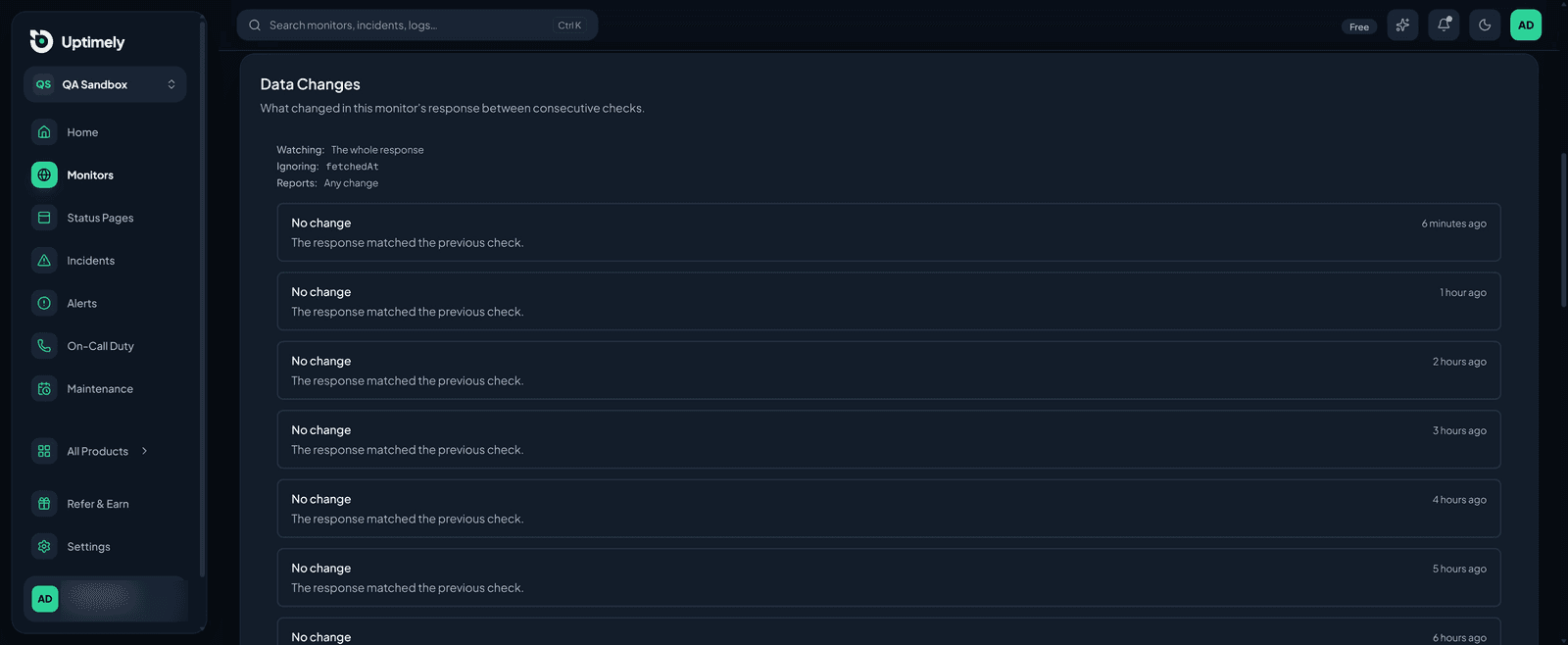
Uptimely keeps a snapshot of the answer after each check, but only the part you chose to watch. Anything you ignored, and anything outside your watch paths, is never stored. The newest snapshot is the baseline for the next comparison. Snapshots are kept in a ring of the 20 most recent per monitor, and older ones are dropped. The Data Changes card on the monitor page lists them, each explained against the one before it. The first check records a baseline, so changes appear from the second check on.
Your upAPI key
The key is write-only: it is never shown again after you save it. It is stored unencrypted in the Uptimely database, so use a key whose quota you are comfortable with Uptimely holding. To replace it, use Edit monitor and enter a new key; leaving the field empty keeps the current one. Deleting the monitor removes its key.